Posts
Krita
On my search for a fine art app, I came across this amazing and brilliant app: Krita <3
It’s open source, runs on almost any OS (not iOS) and it’s an absolute pleasure to use, especially if you pair it with a tablet or touchscreen device. If you like drawing in pencil, charcoal or pen – if you like to use ink or felt tips – if you like painting with oil, watercolour or anything else ~ this app gives you all the tools and canvas textures you can dream of… with a tablet or touchscreen, you can use pressue to imitate the real thing and get creative with using your chosen art materials digitally.
This is the opening app screen with artwork created in Krita ツ

app features
New files can use any of a number of different templates, some textured, others at commonly used dimensions and also custom sizes. Depending of what kind of artwork you want to create, there’s plenty of. options to choose from ツ
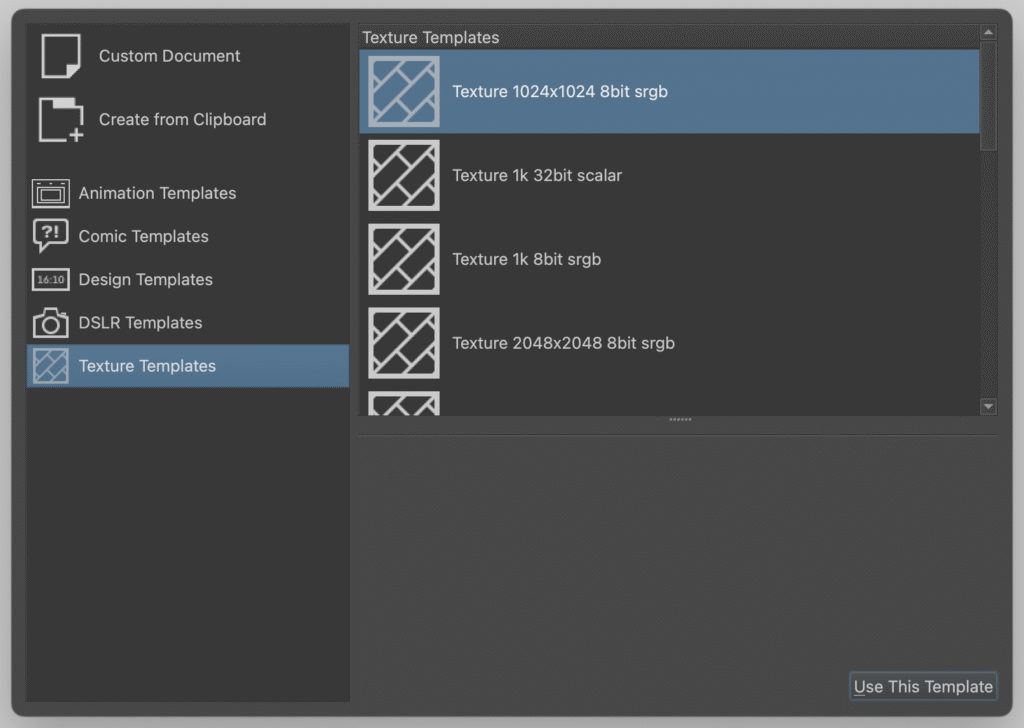
The tools of the app will be very familiar, with bitmap drawing tools like brushes and vector tools for type, drawing and masks – anything you’d usually is there. They do work a little differently but if you are used to digital tools, it won’t take you long to get into the flow.
If you have never used any graphics or art app – you will soon learn how to use this app too. Shifting your mindset to see this as a digital canvas, you can start drawing and painting without the need to use layers or anything else. It is different only in the nature of the tool.
You can literally just create a new file and proceed to pick your drawing tool and just get started. There are plenty of tutorials out there if you feel like learning more advanced approaches.
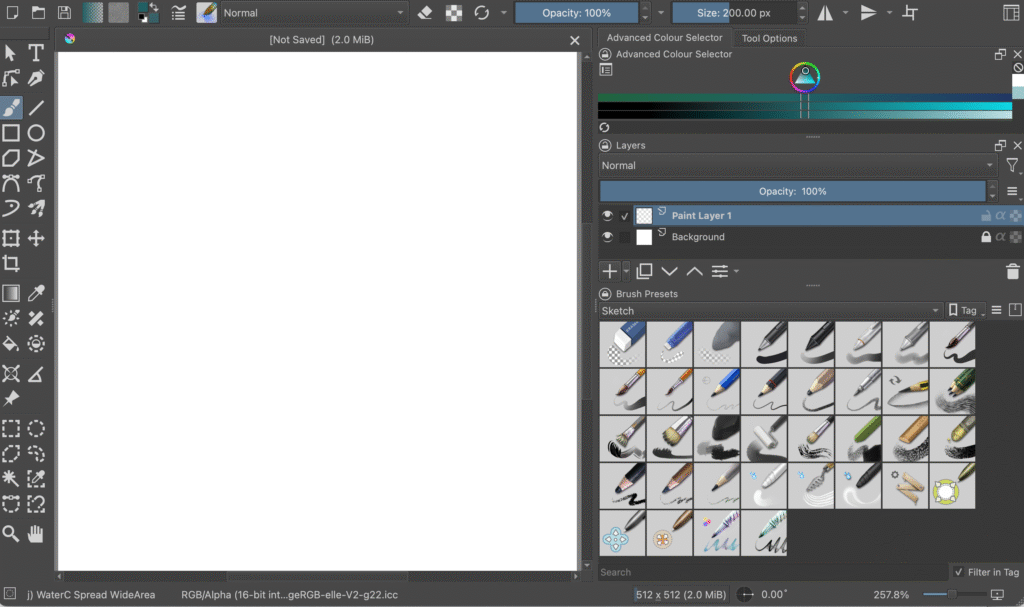
If you already do art, paint, draw or doodle – then this is a digital toolbox with familiar tools ツ
And if you are new, the Krita will offer you plenty of options to just play and explore ツ